Saturday, July 30, 2005

The Horror!

I'm still not sure how it happened but the whole file system on my personal webserver has died.

Lost. Gone. No More. Dead as in "This is an ex-parrot!"

As a result, the website that was is no more. I 'm in the process of putting it back together but it may take me a week or so. Please be patient.

The ironic twist to this story is that it was lost while I was trying to set up a second hard drive on that computer so as to have a place to mirror the entire site for JUST SUCH AN EMERGENCY. Damn, I hate irony; sarcasm I can take, but this just hurts.

Oh well.

On the bright side, I will be able to fix some of the issues I was having and might even look at using a different tool since I now know some of the problems with PHP Nuke.

Keep watching this space for updates.

Thursday, July 21, 2005

The site is dead. Long live the site!

Going on the theroy that "there’s no time like the present" I have decided to close Life On A Pacific Island the blog and open Life On A Pacific Island the website.

So click on the link here or manually enter the the url http://www.LifeOnAPacificIsland.com in to your favorite browser. Be sure to update your bookmarks as well.

Thanks for visiting the blog and I look forward to seeing you at the new website.

Tuesday, June 21, 2005

One Step Closer To The Edge

Geek Warning: By now you all should know what that means; it's gonna get geeky in here. As usual, if that isn't your thing please feel free to surf on over to Sun Comprehending Glass or Island Passage. You won't hurt my feelings. For the rest of you, strap on your beanie hat and break out your slide rule. It's nerd time!

When last I left you I had just installed linux and was about to install Apache and PHP. I then learned that the good people at Fedora were about to release Core 4 on the 6th of June. Heck, I could wait a few more days and get the torrents for that. A few days came and went when I learned that the release was going to be pushed back another couple of weeks. I was feeling busy with other parts of my life (like the usual end-of-the-month drill at work) and decided not to worry about it too much.

Then, just a few days before the new release date a co-worker said that he had downloaded the CD images for Core 4 over the weekend. It seems (and I confirmed this from Slashdot) that one of the mirrors hosting the images was left unsecured over the weekend and lots of people ended up with 'pirate' copies before the official release. (Can one have a truly pirate copy of software that is under the GPL? Just a little something to wrap your head around while trying to fall asleep some night.)

Anyway, it took me another few days before I was finally able to sit down at my Frankenstein box and run the install but when I did I took care to include Apache, PHP and MySQL as part of the original package. This time everything went off without a hitch. And just to add some Cool Whip to the pie, since Core 4 is all new I didn't have to run an up2date or yum after I was done to upgrade anything. Shiney!

Now came the hard part: installing the content management system. For those who don't know a CMS is way to build a webpage dynamically. It uses PHP and MySQL to basically run a database report and present the results as a webpage. Each part of the page (such as a poll, blogroll, photo gallery or news item) is a node and those nodes are stored as records in the database. Take a look at Slashdot and This Week In Tech. The both use CMS tools to deliver their content. Look at them with an eye toward breaking each logical part of the page down into separate nodes (or modules if you prefer). Now store those nodes in a database and use something like MySQL to call the nodes you want to display. Take the report of nodes that MySQL gave you and use PHP to fit them in to a Cascading Style Sheet. Viola!

Go ahead, take a look at the examples the then come back. I can wait.

Now that you have a basic idea of what I am talking about you can see that the big advantage of a system like this in that it makes it easy for me as the admin to move, add or change the content very quickly. It also allows me to set up user accounts and with them permission to different things depending on who the user is. As an example I could choose to set up a public photo gallery of my scenic pictures and post a gallery of family photos that would only be visible to my family and close friends. Confused? Not to worry it took me a while to get it.

Another advantage is that I don't need to know much in the way of HTML. With all respect to my friends who work with HTML and even helped support their families with that knowledge (Stephen, I'm talking to you) I have no burning desire to get that deep in to tags and css. Having said that I do still have some css skills that I need to learn so as to customize the look of the site but for know I think I will go with one of the templates that are available out on the web for free.

This post is getting on the long side so I think I will pause the story here and tell you that the next geek post I will delve in to the strange world of trying to get the CMS installed.

Thursday, June 16, 2005

Welcome Sun Lovers!

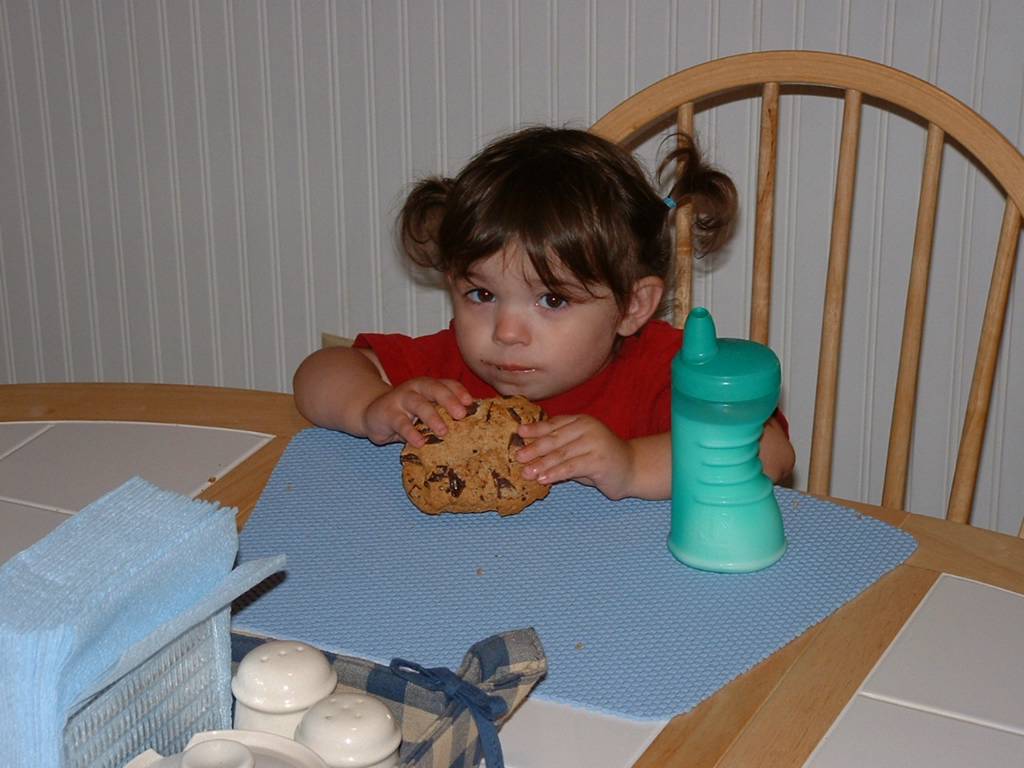
I saw that my wife linked back to here on her blog today so that people could get a peek at what The Verbalist, The Muralist and The Infant look like. To that end I thought I'd take a moment to let you know who is who in the photos below.

Scroll down to the boy holding the butterfly. That is the Verbalist and the picture was shot by Taleena. I am sure if you ask her she can tell you how that shot came to be.

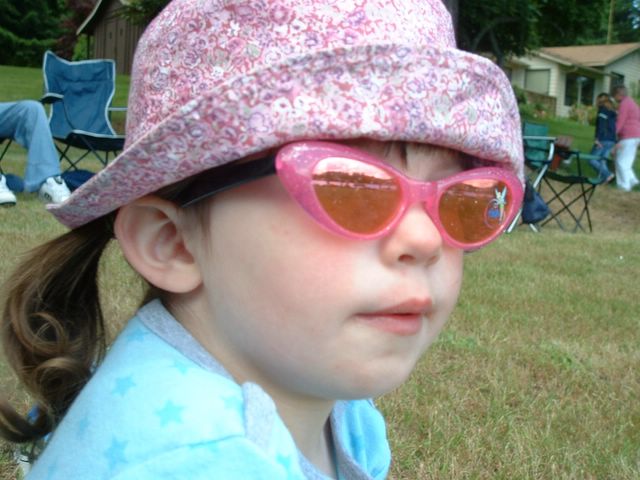
The Muralist, or Princess Helen as she likes to be called at home (or Super Helen when the mood strikes her) is the one in the hat and glasses. You can see another picture of her by clicking here.

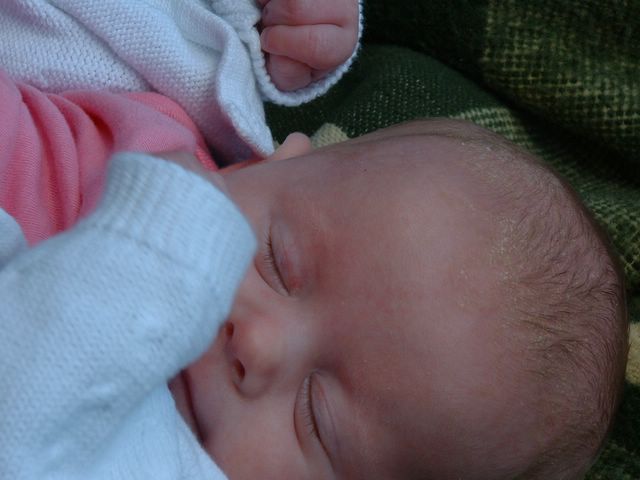
Lastly, if it was not obvious, the Infant is the sleeping baby in the picture between the Verbalist and the Muralist.

Perhaps we will take some time soon to actually post a picture or two of Taleena and I. Until then you will just have to make do with her words, my photos and rambling of a geek.

Coming soon: Fedora Core 4 install and PHPNuke vs. Drupal

Monday, June 13, 2005


Glamour Girl


Fast Asleep


Butterfly

Tuesday, June 07, 2005

Happy Baby

Baby Hope - 6 weeks

Tuesday, May 31, 2005

Sun Comprehending Glass

Time for a break form the geek stuff.

Please take a few moments to click over to Sun Comprehending Glass. It's my wife's blog and she is much better that me about providing updates. Plus she talks about food every Tuesday. Yummy!

Friday, May 20, 2005

Linux Install

Geek Warning: This is another geeky post. If that isn’t your thing, please feel free to move on to a different entry or come back soon. I promise to have a baby picture up soon!

When last we left the web server project I had decided on using Apache and Linux to host my website on a computer in my office/lab. With that decision out of the way I set off to find some install disks for Linux.

Ubuntu was my first stop. It’s the distro that I’ve had the most experience with so I figured I would have at least a small head start on understanding what I was doing. I dug out my CDs, opened a beer and set off for my “lab”. And by “lab” I mean a half bath at the far end of my house that my father and I turned into an office. I know it sounds small, and it is; but it’s still bigger than my cube at work. Ask my wife. She has seen both and can tell you it’s true.

The hardware for this project once had a life as a Dell GX240, but now only the motherboard, case and the branding on the outside are still OEM. The memory, video card, power supply, sound card, and all the drives (even the floppy) have been replaced. And the way it stands now I am going to have to look in to modding the case to get some better air flow if I really am going to run it as a server. But that is another project.

I booted the beast up and put in the Ubuntu CD. It came up to the splash screen and I stepped through the pages selecting the various options I wanted for this build. When I was ready I clicked on the install button and waited. And waited. And waited. The process had hung at the point where it was about to reformat and partition the drives. Grrrrr. Oh well, this was supposed to be a learning process. If it all went smoothly what was I going to learn, right?

Thinking it was a fluke, I simply rebooted, selected my set up options and clicked go. No joy; it hung again in the same spot. This was odd since I had used these CDs before. I knew them to be good. No worries. I was not wed to this distro so I figured I would just try another.

A co-worker suggest I try doing a network install of Fedora Core 3. For those of you unaware of what a network install is it works like this. Rather than download and burn 4 CDs (at about 700MB each) you download and burn a boot CD that is about 10MB in size. Using this CD you boot the PC and run the installer. That program will ask you for a path to find the install files on a network. Since the internet is just a big network you can simply point it at the files on the web that you would have downloaded had you been using the traditional method. This has the advantage of having the installer only download the files you need and none of the ones you don’t. For example, only plan on using the Gnome desktop? Then there is no reason to spend the time getting KDE is there?

So once again I booted up the PC, this time using the Fedora boot disk. I stepped through the pages selecting the options I needed and telling it where to find the files on the internet. Once it had everything it needed to do the install I clicked “Next” and waited. And waited. And waited. Once more the system had hung at the point of formatting the drive.

This was starting to get frustrating. In hindsight I might have been better off swapping out for a different drive but since I was fairly sure that it was good I didn’t. Instead I dug around some older (Core 2) Fedora install disks and gave one more try. Success.

I am not sure why it worked this time, but it did. Anyone out there know what it is about the older core that would format my drive during the install when a newer core would not?

Anyway, the OS is up and running so the next step will be in install Apache, PHP and mySQL.